LmPanel turns your Ubuntu 26.04 computer into an AI server. It runs in Docker and works with AMD and Intel Arc GPUs. Interact with your AI models using a web chat interface or the OpenAI-compatible API for easy integration with your current workflows.
Features
Whether you're vibe-coding, analyzing data or images, writing stories (wink-wink), or integrating with an agentic workflow, LmPanel makes it easy to self-host AI models while retaining complete control over your data.
Ubuntu + Llama-cpp
LmPanel builds on the proven compatibility of Ubuntu and llama-cpp.
Runs in Docker
Completely self-contained in Docker for easy deployment and updates.
Free & Open Source
Completely free with no ads, no tracking, no hidden costs. Just open source AI.
Any GGUF Model
Run any GGUF model. Fetch directly from a URL or upload from your computer.
Multi-Model, Zero Warm-Up
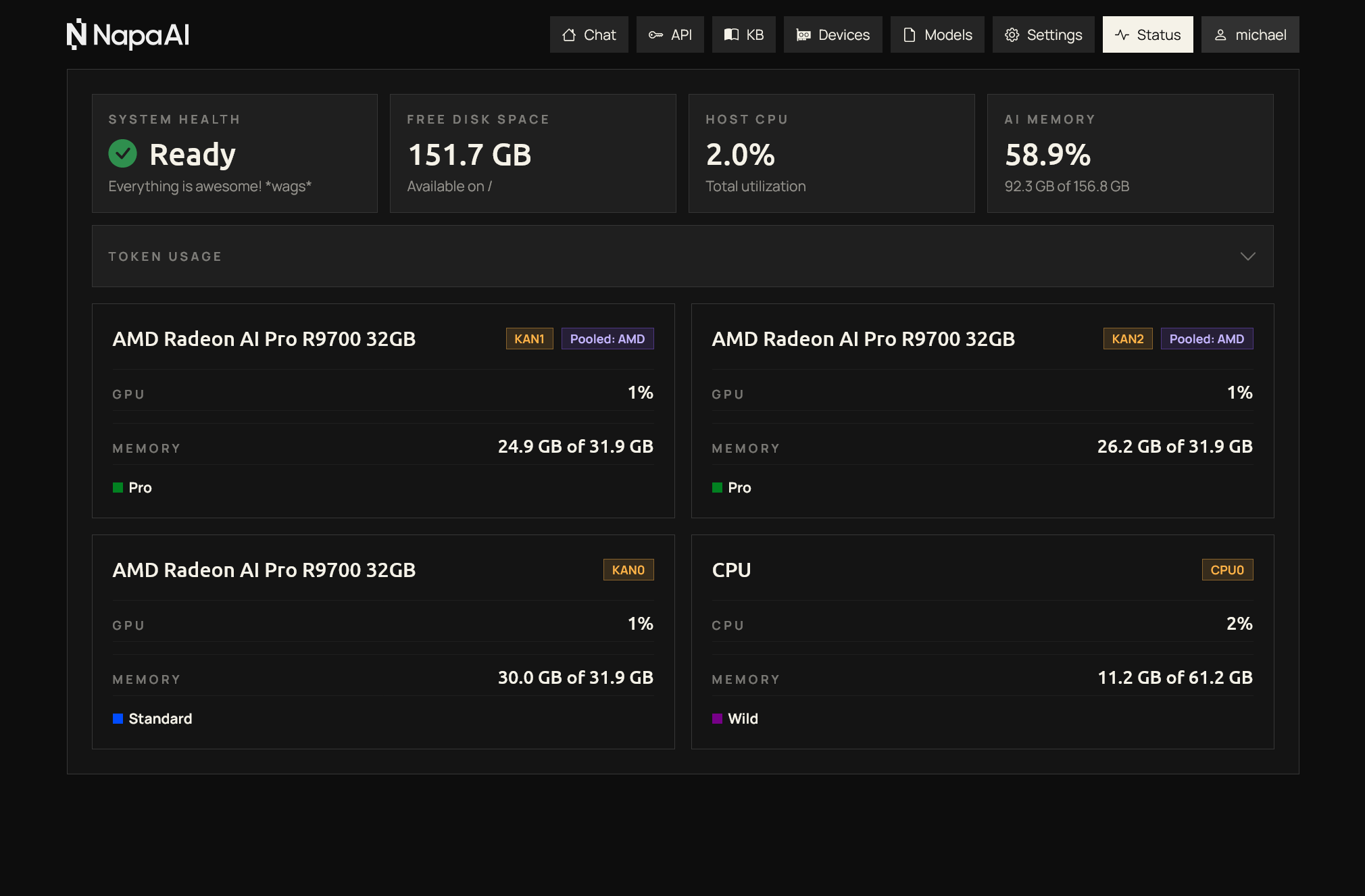
Run multiple models concurrently. Loaded models stay in memory for instant access with no warm-up delay.
Rich AI Capabilities
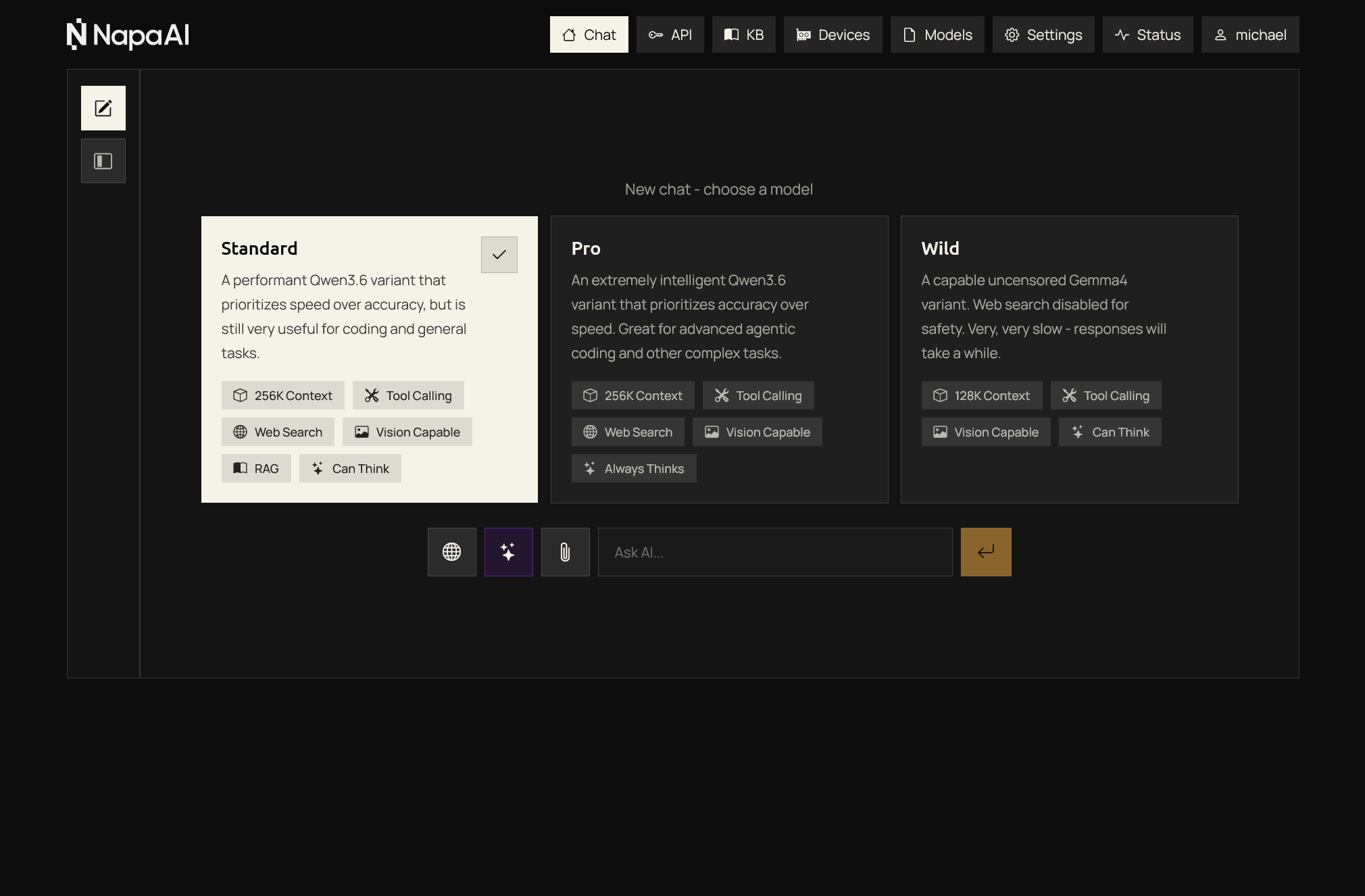
Thinking & reasoning, vision, file attachments, tool calling, and more.
Wide Hardware Compatibility
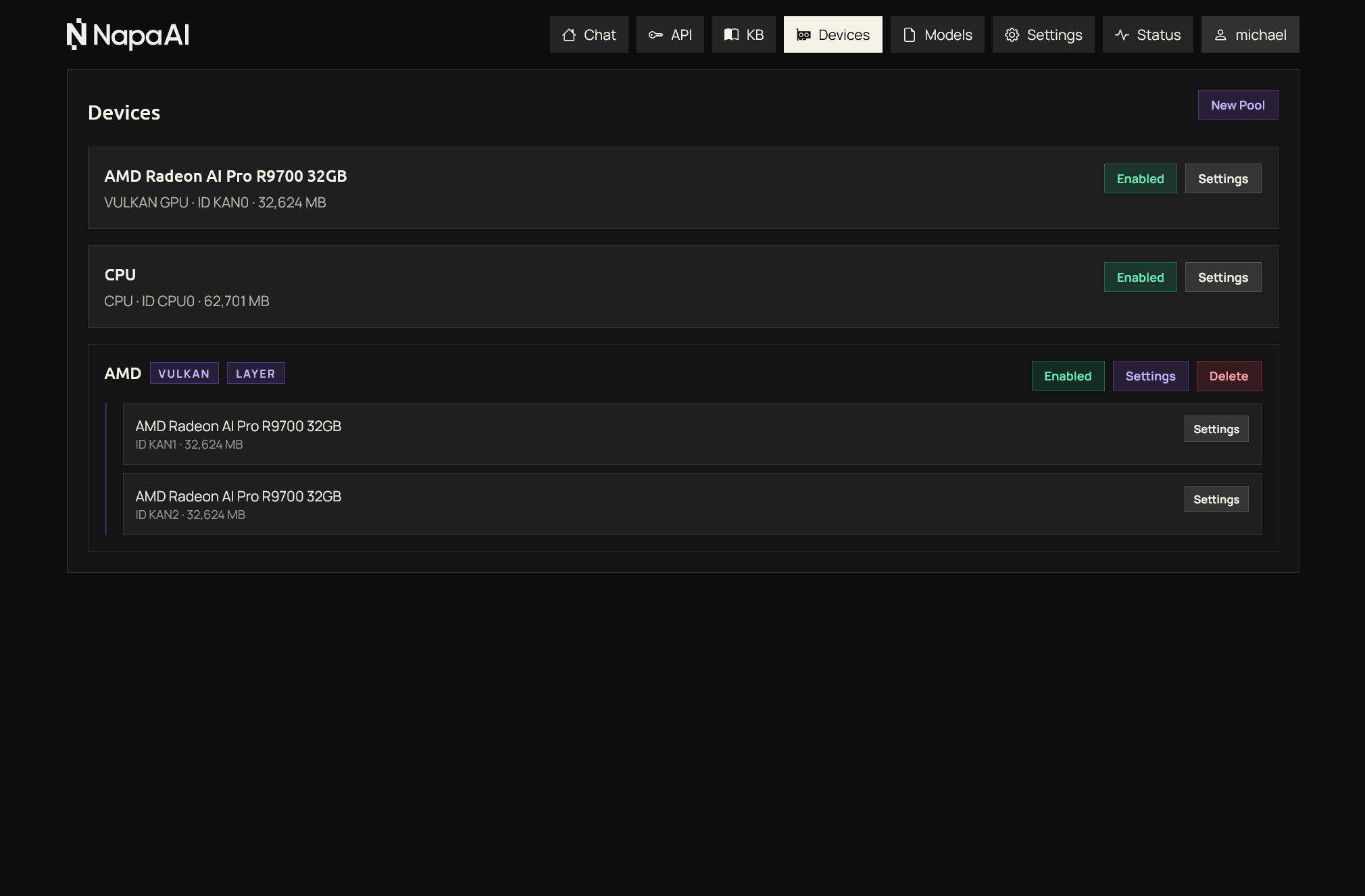
AMD and Intel Arc GPUs are supported using Vulkan. CPU with system RAM is also supported.
Multi-GPU Flexibility
Mix AMD and Intel GPUs, or pool multiple GPUs from the same vendor, for maximum performance.
Web Search Integration
Live web search via Brave Search API or Serper.dev, both of which offer a free tier to get you started.
Custom Knowledge
Give your models the knowledge that matters to you with our knowledge base feature, a type of retrieval-augmented generation.
Responsive Web UI
Make it yours with a custom app name, logo, and favicon. Manage everything from a clean, responsive interface.
Powerful User Management
Fine-grained controls for permissions and usage quotas.
Chat UI & OpenAI API
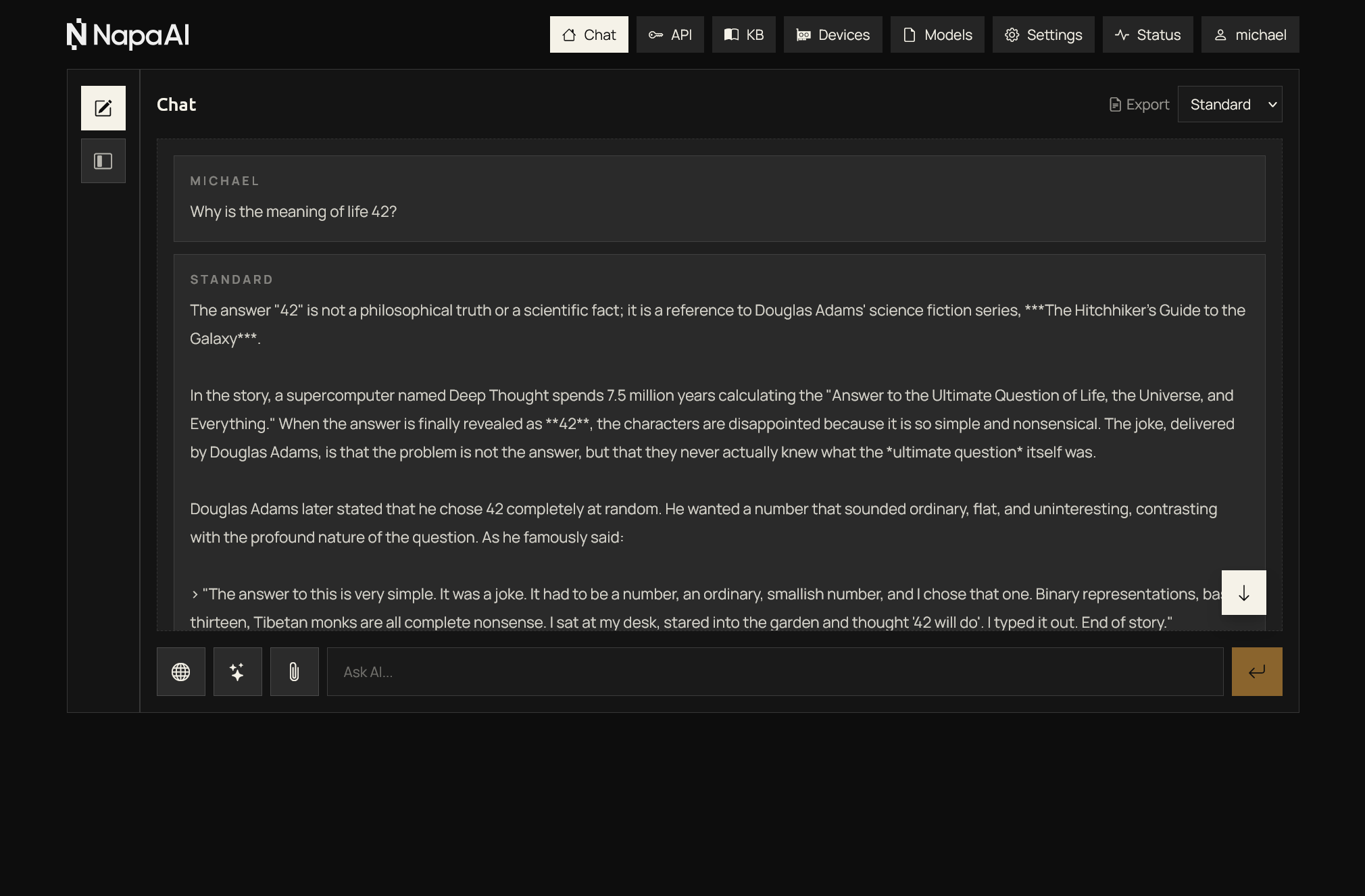
Interact via the web chat or integrate with any tool using the OpenAI-compatible API.
Automated Free SSL
LmPanel supports LetsEncrypt and Cloudflare DNS validation for hassle-free, free SSL.
Security Taken Seriously
Cloudflare Turnstile support and brute force protection keep your server and data safe.
Screenshots
About
The Story
I'm Michael, founder of Napa AI and creator of LmPanel. Basically, I made something I wanted that works the way I want, and now I'm sharing it with you. Enjoy!
Tech Stack
Docker containerized. llama-cpp, Vulkan runtime for GPUs, Python backend, TypeScript frontend, SQLite database.
Open & Private
AI can be open, fun, private, and affordable. Experiment with different models and settings, then share your instance with friends or keep it all to yourself and integrate it with your workflows.
Requirements
Operating System
Designed for Ubuntu 26.04. Runs in Docker, so while any modern Linux works in theory, all testing and documentation is for Ubuntu 26.04. Bare metal gives the best experience, but WSL is also supported.
Environment Preparation
Some setup may be required prior to running LmPanel. For example, you'll need the correct AMD or Intel GPU drivers and the Vulkan runtime installed. Check the docs for your specific setup.
Memory Matters
You'll need sufficient GPU memory to run useful AI models. Keep in mind that when factoring GPU memory requirements, the size of the model isn't the whole story - context consumes additional memory.
Platform Considerations
Pooling GPUs requires plenty of PCI-E lanes. Workstation or server-grade platforms are recommended if you're pooling large AI models across multiple GPUs. For single GPU systems, cheaper consumer motherboards are OK.
GPU Recommendations
| VRAM | Device | Recommended for | Shop on Amazon |
|---|---|---|---|
| 32GB | AMD Radeon AI Pro R9700 | Great performance at a great price, with better software support than Intel Arc GPUs. | Shop on Amazon |
| 32GB | Intel Arc Pro B70 | An even more competitive price than the AMD R9700. | Shop on Amazon |
| 24GB | Intel Arc Pro B60 | Great value if you don't need to run quite as large of a model. | Shop on Amazon |
| 16GB | AMD Radeon RX 9060 XT | One of the cheapest ways to get 16GB of video memory. | Shop on Amazon |
| 12GB | Intel Arc B580 | An affordable entry-level GPU for smaller AI workloads or light gaming. | Shop on Amazon |
Accessing Your Server Remotely
Quick & Simple
Port forward for easy access. Web UI runs on port 8443, OpenAI-compatible API on 8444. Fastest setup, but consider the security implications.
Secure & Recommended
Tailscale provides secure remote access without exposing ports. Slightly more setup, but the safer choice for sharing with non-technical users.